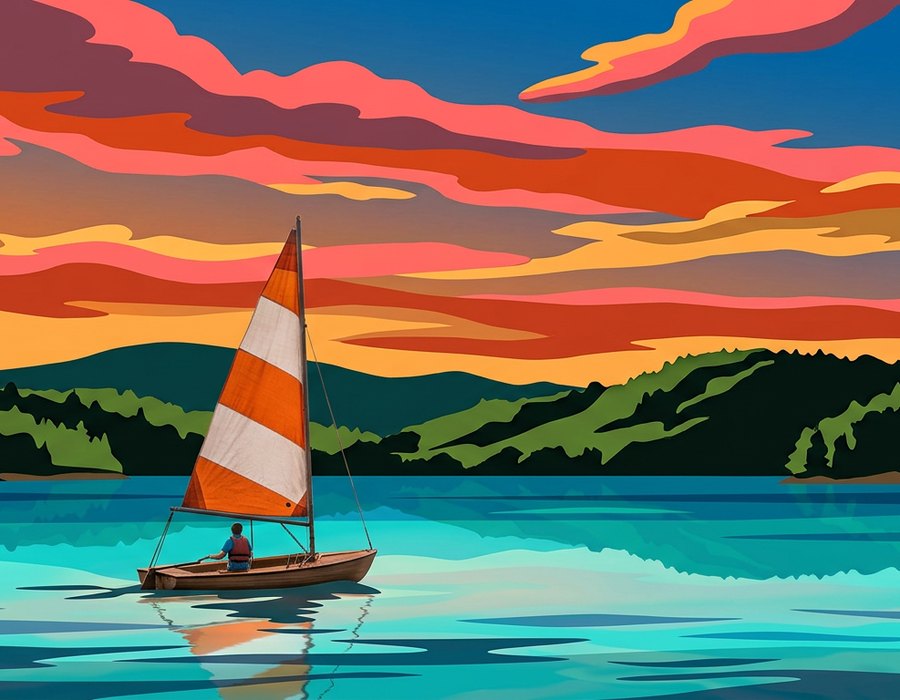
Choose high contrast
Images with distinct light and dark areas create clearer, easier-to-paint boundaries.
Free · Private · No signup
Turn any photo into a printable paint by numbers template in seconds. Upload an image and instantly get a numbered outline, a matching colour palette chart and a finished painting preview — as vector SVG or a print-ready PDF. Everything runs inside your browser, so your photos never leave your device.
Click to select or drag & drop an image
You can also paste from clipboard (Ctrl+V) · JPG, PNG, WebP, GIF, BMP
🔒 Processed on your device. Nothing is uploaded.
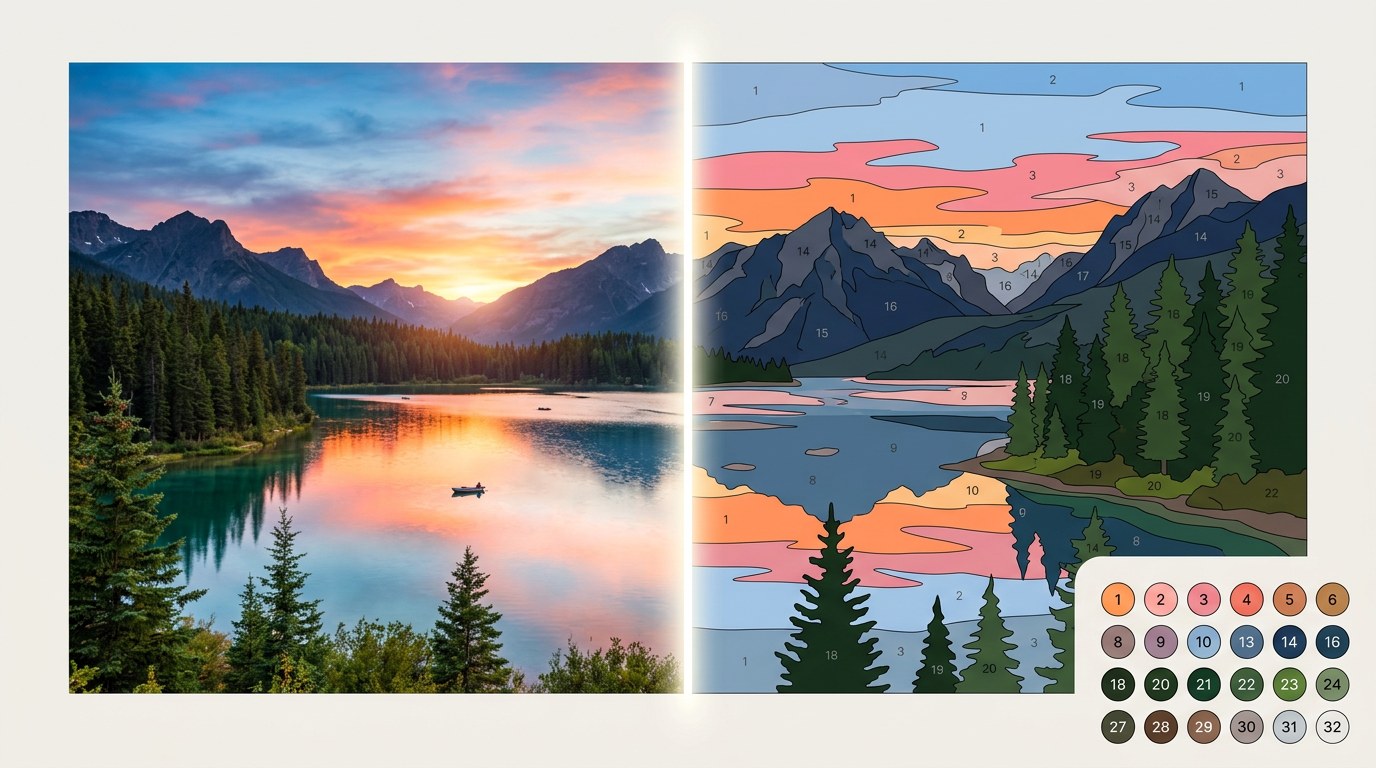
Pick any photo with clear colours and contrast. Drag it in, browse your device, or paste straight from the clipboard.
Our algorithm clusters colours in perceptual Lab space, removes noise, merges unpaintable slivers, then traces smooth vector borders.
Grab the complete PDF guide or individual SVG files for the painting, outline and palette, then start your project.
Our paint-by-number generator features automated image analysis. On upload, the system processes your entire image, identifying faces and group portraits while maintaining high-detail rendering for the full scene.
Everything is processed the moment you upload — no manual settings required.
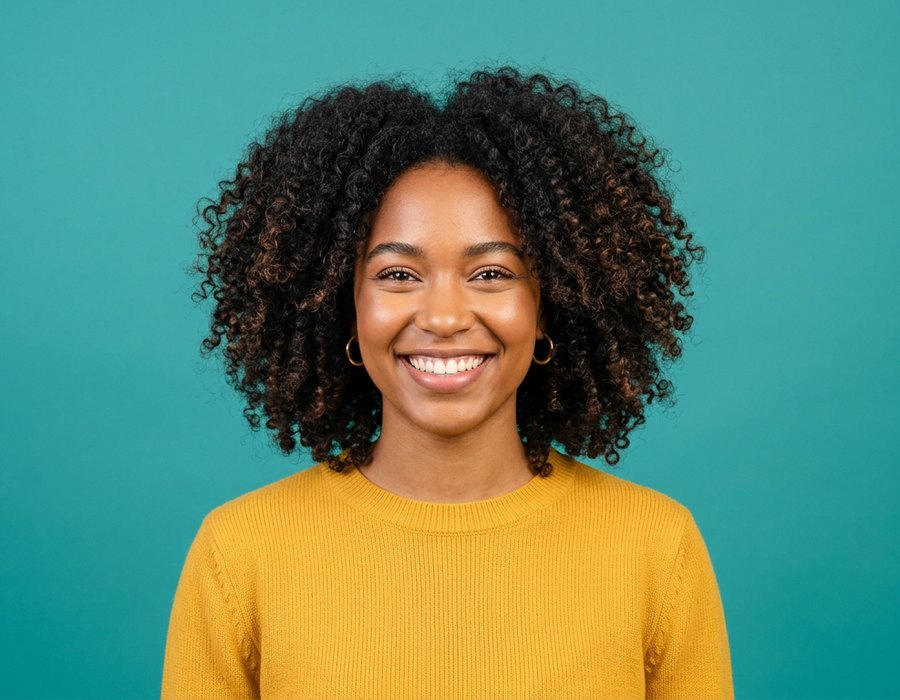
Images with distinct light and dark areas create clearer, easier-to-paint boundaries.
Photos with fewer, larger subjects create a more enjoyable painting than busy compositions.
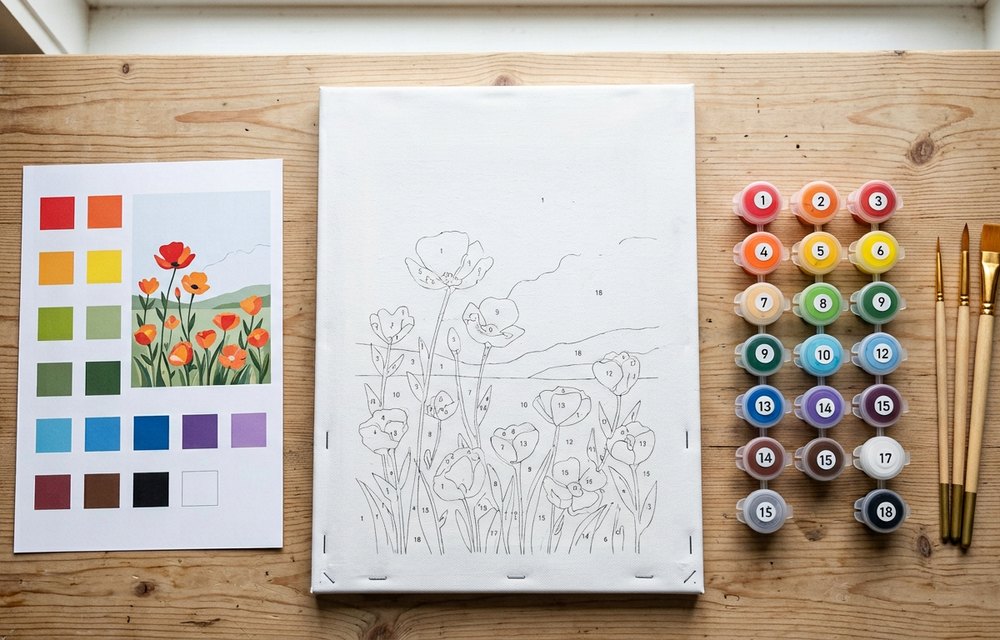
Well-lit photos are preferred; heavy shadows generate tiny, difficult-to-paint facets.
A clean, sharp source image of 1000px or more on the long edge ensures the best vector conversion.
Download the palette chart as a reference for every colour in your design, ordered light to dark.
The exported sheet lists exact HEX and RGB values under each swatch to help you mix precisely.
Have a quality canvas, acrylics and several brush sizes ready before transferring your layout.
Paint the largest, lightest areas first and let each colour dry so neighbouring numbers stay crisp.
Now that you have your files, follow these steps to prepare your project:
Open your SVG or PDF in any design software and scale it to your canvas size without losing quality.
For large formats, print at a local shop on engineering paper. Or print at home across multiple pages and tape them together.
Place graphite transfer paper between the printout and a blank canvas, then trace the lines with a ballpoint pen.
Start with the largest areas, work light to dark, and rinse brushes between numbers to keep colours true.
Yes. paintbynumbers.vip is completely free with no account, no watermark and no export limits. Generate and download as many templates as you like.
No. Colour clustering, region tracing, numbering and file export all run locally in your browser using JavaScript and HTML5 Canvas. Your image never leaves your device, which makes the tool safe for family photos and private portraits.
Between 12 and 20 colours suits most photos. Use 8–12 for a bold poster look or for beginners and children, and 24–36 for portraits and detailed landscapes where you want smooth skin tones and gradients.
The painting preview, numbered outline and colour palette export as vector SVG files, plus a three-page print-ready PDF containing all three. Vector files scale to any canvas size without pixelation. A PNG export is also available.
Yes. The generator detects faces and skin tones automatically and allocates extra colour precision there, so eyes, expressions and skin gradients stay well defined while the background stays balanced.
Print the outline page at 100% scale, place graphite transfer paper between the printout and your blank canvas, then trace over the lines with a ballpoint pen. For large canvases, print the SVG at a copy shop or tile it across several sheets.
JPG, PNG, WebP and images exported from HEIC all work. A sharp source of at least 1000 pixels on the long edge, with good lighting and clear subject separation, gives the cleanest regions.
A Paint by Numbers template breaks a photograph into flat regions of colour, each marked with a number that maps to a paint swatch. paintbynumbers.vip automates that process: it reduces your photo to a limited palette, cleans up the noise that would otherwise create unpaintable slivers, traces every region as a smooth vector outline, and places a number in the widest part of each shape so it stays readable when printed.
Colour clustering happens in perceptual CIE Lab space rather than raw RGB, so the palette matches how the eye actually groups tones. Regions below a minimum paintable area are merged into their strongest neighbour, contours are simplified with the Douglas–Peucker algorithm, and edges are optionally smoothed — producing borders that a brush can realistically follow.
Because the output is true vector geometry, an SVG generated from a phone photo can be printed at 30 × 40 cm or blown up to a wall mural with identical line quality. The PDF export bundles a colour preview, the numbered outline and a palette chart with HEX and RGB values on separate pages, ready to hand to a print shop.
No image is ever transmitted. There is no upload endpoint, no account system and no analytics on your picture data — the entire pipeline executes in your browser tab and the result disappears when you close it, apart from the small thumbnails you choose to keep in your recent list, which are stored only on your own device.